Ergonomic Education
Learn the biomechanical principles behind proper desk setup, monitor positioning, and chair adjustment for workplace comfort.
Learn evidence-based principles for creating an ergonomic desk environment and developing healthy posture habits. Educational guidance for modern office workers.
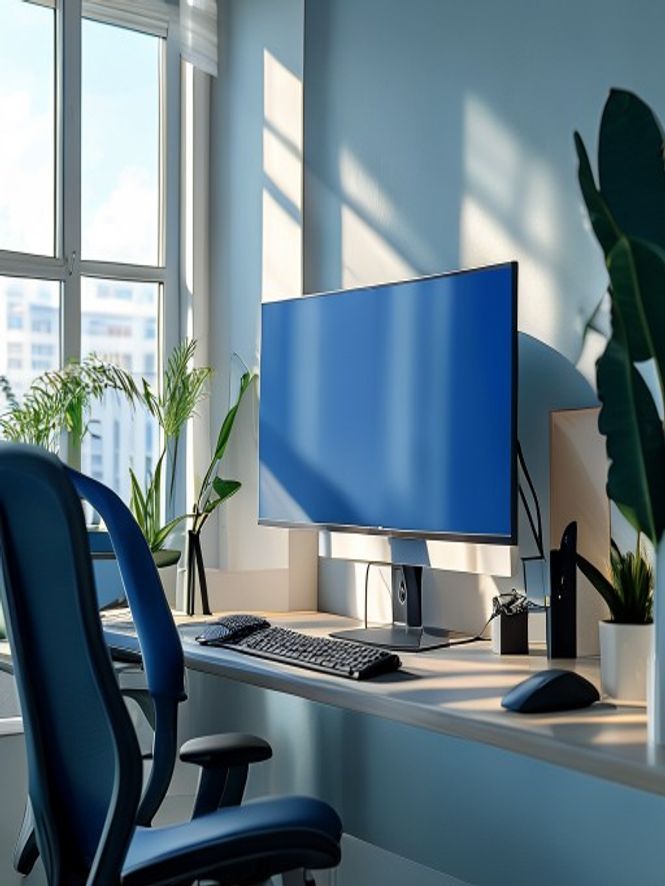
Learn the biomechanical principles behind proper desk setup, monitor positioning, and chair adjustment for workplace comfort.
Step-by-step resources for evaluating and optimising your workspace, from keyboard placement to lighting considerations.
Informational content on body positioning awareness and movement breaks to support comfortable work routines.
Personalised guidance sessions to review your workspace and discuss practical improvements tailored to your setup.
We do not diagnose conditions, prescribe treatments, or provide medical advice. Our content is informational only.
Musclewrsieveae is not a healthcare provider. Consult medical professionals for pain or injury concerns.
Our guidance is educational and does not replace physiotherapy, chiropractic care, or other professional therapies.
A structured approach to reviewing your desk setup. This framework helps you identify potential comfort improvements across key ergonomic zones: monitor height, seating position, keyboard and mouse placement, lighting, and desk organisation.
Use our interactive calculator below to evaluate your workspace setup and receive personalised recommendations based on your measurements.
Schedule Consultation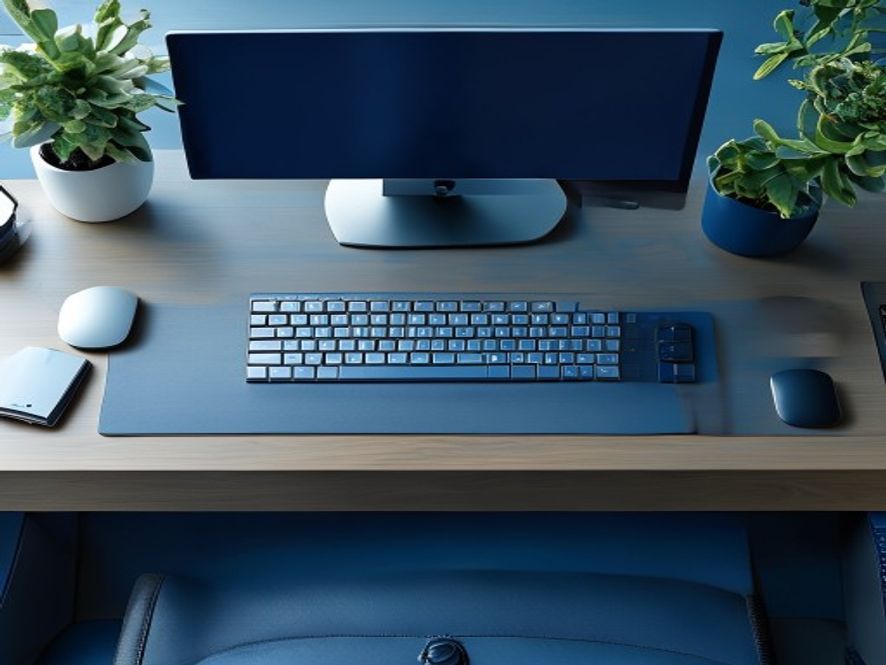
Enter your desk height and monitor measurements to get customised positioning guidance.
Setup optimisation score: 0/20 — Review recommendations below
Informational guidance on work interval structure and movement breaks.
Arrive and adjust your workspace. Check monitor height, chair position, and keyboard tray alignment before beginning work.
Work in focused blocks. Maintain awareness of posture and positioning throughout the session.
Step away from your desk. Walk, stretch, or perform light movements to promote circulation and postural change.
After lunch, review your workspace setup. Adjust chair height or monitor position if needed.
Continue work intervals with regular movement breaks every 60–90 minutes for postural awareness.
Filter by workspace type to find relevant guidance.
| Setup Type | Key Consideration | Primary Focus | Equipment Flexibility |
|---|---|---|---|
| Home Office | Environmental control | Customised ergonomics | High — choose your equipment |
| Corporate Desk | Fixed desk height | Optimise within constraints | Low to medium — limited adjustments |
| Open Plan Office | Noise and distractions | Posture amid shared space | Medium — monitor arms and cushions |
| Co-Working Space | Variable setups | Adapt to available furniture | Variable — depends on venue |
| Laptop-Only Remote | Screen height and keyboard separation | Accessories for positioning | Medium — add external peripherals |

Neutral spine positioning refers to maintaining the natural curves of your spine whilst seated. This foundational concept supports comfortable desk work and helps develop postural awareness throughout your working day.
Key elements include balanced weight distribution, proper chair support at the lumbar region, and monitor height aligned with eye level to minimise neck strain.
Learn MoreIndividual experiences. Workspace improvements vary based on personal circumstances and existing setup.
«The desk setup guide was practical and easy to implement. I didn't expect such clear explanations about monitor positioning.»
— Sarah, Sydney
«Having a structured approach to evaluating my workspace made a real difference. The consultant helped me spot things I'd overlooked.»
— James, Melbourne
«The informational framework about movement breaks felt achievable and integrated well into my daily routine.»
— Rachel, Brisbane
Musclewrsieveae provides educational information about ergonomic principles, workspace setup, and posture awareness. We are not medical professionals and do not diagnose conditions or provide healthcare advice. If you experience pain or discomfort, consult a healthcare provider.
No. Our guides cover optimisation within various budget levels and equipment availability. You can start with your existing desk and chair, then add accessories if helpful.
Initial workspace assessment typically takes 30–45 minutes. Implementation of recommendations depends on your setup and available adjustments.
We provide informational guidance and educational resources. Individual experiences with workspace adjustments vary. We do not guarantee medical outcomes or symptom relief.
Yes. We offer guidance for home offices, corporate desks, and various work environments. Consultation services include workspace assessment and personalised recommendations.
Free
Self-guided educational resources
AUD $125
per 60-minute session
AUD $320
three sessions + follow-up
Start with our free guides or schedule a personalised consultation to assess your desk setup.
Get Started TodayExternal materials are general educational resources. Opinions and recommendations from external sources may vary from our content.